Shruti_Containerization_lab
EXPERIMENT – 1
Virtual Machine and Container Setup
Part A: Virtual Machine using Vagrant (Windows)
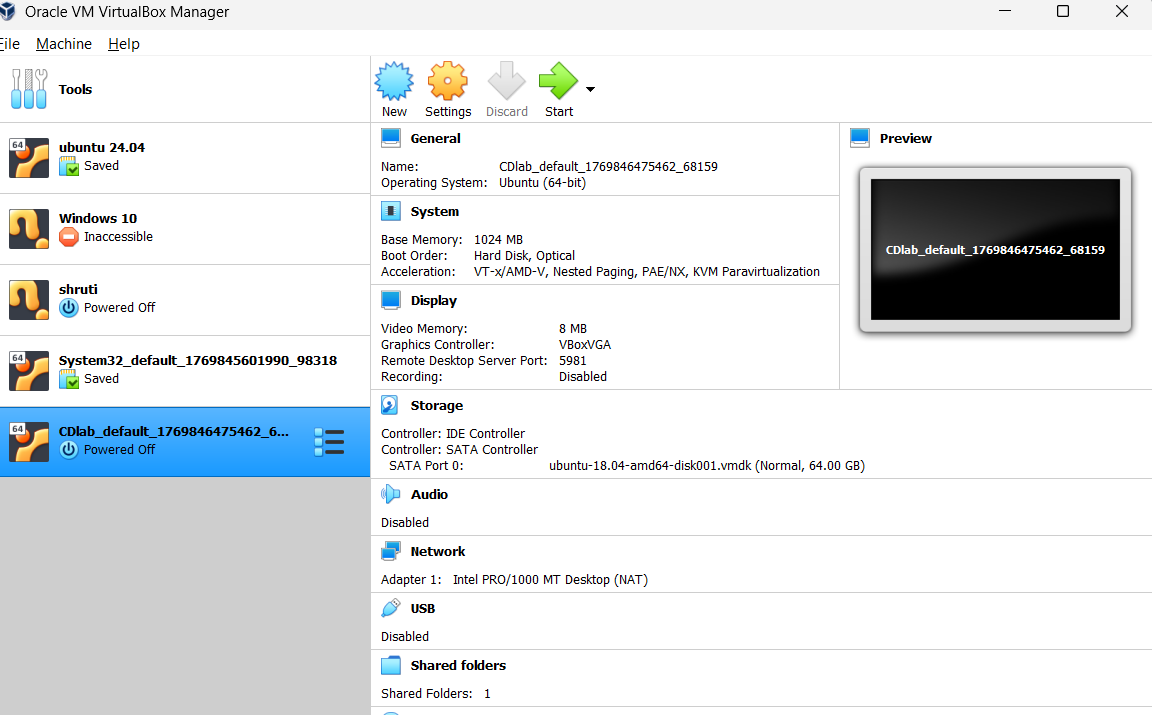
Step 1: Install VirtualBox
Download and install VirtualBox from the official website:
🔗 https://www.virtualbox.org/wiki/Downloads
Step 2: Install Vagrant
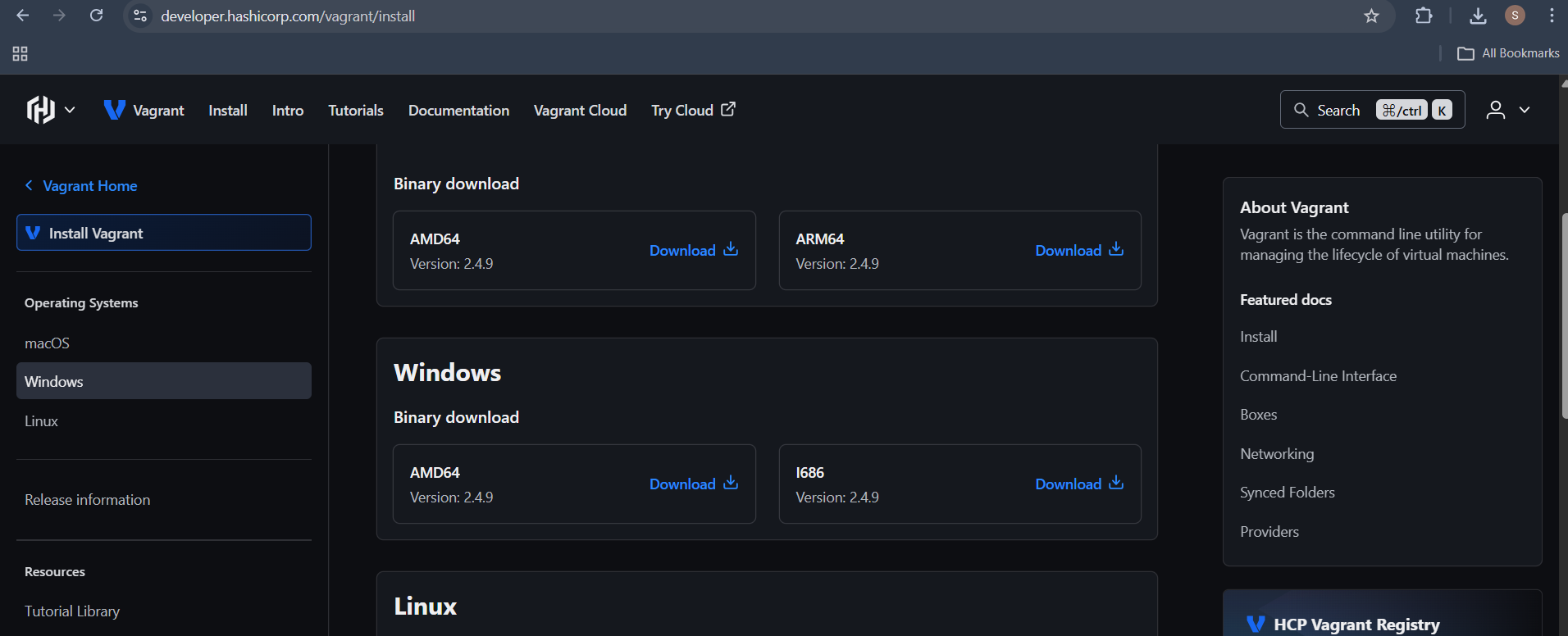
Download and install Vagrant from:
🔗 https://developer.hashicorp.com/vagrant/install
Verify Vagrant Installation
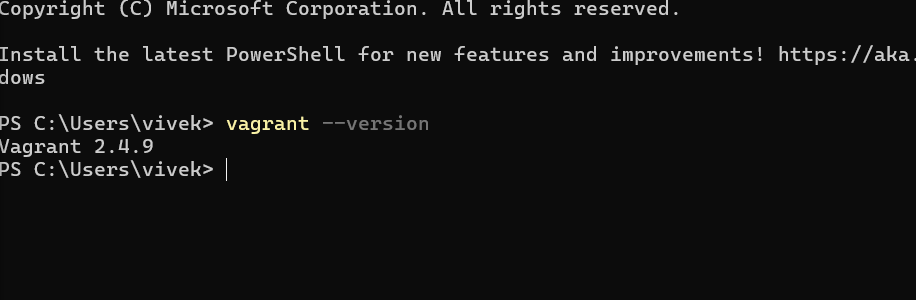
Check the installed version:
vagrant --version
Step 3: Initialize Vagrant with Ubuntu Box
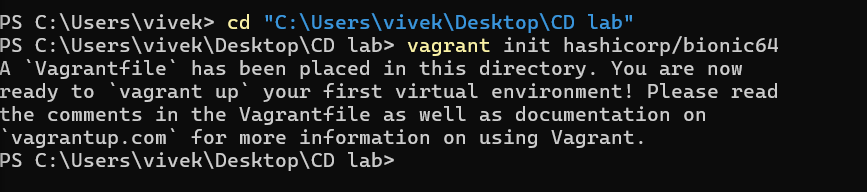
Initialize Vagrant using Ubuntu:
vagrant init hashicorp/bionic64
Start the Virtual Machine
vagrant up
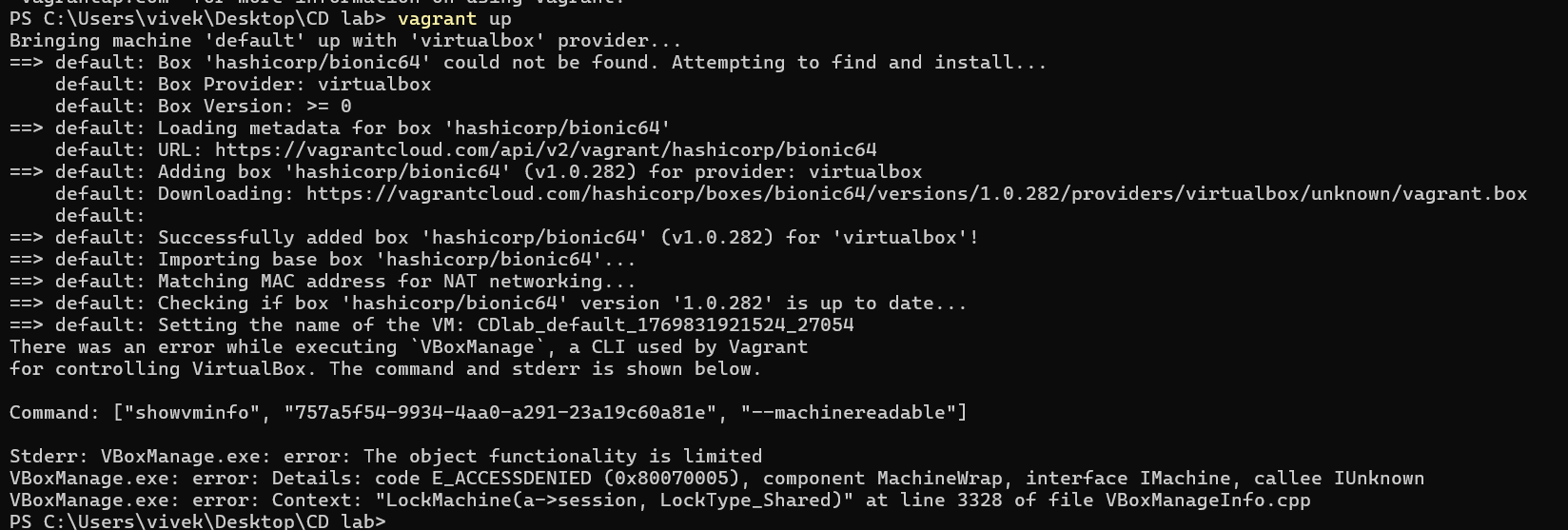
Access the Virtual Machine
vagrant ssh
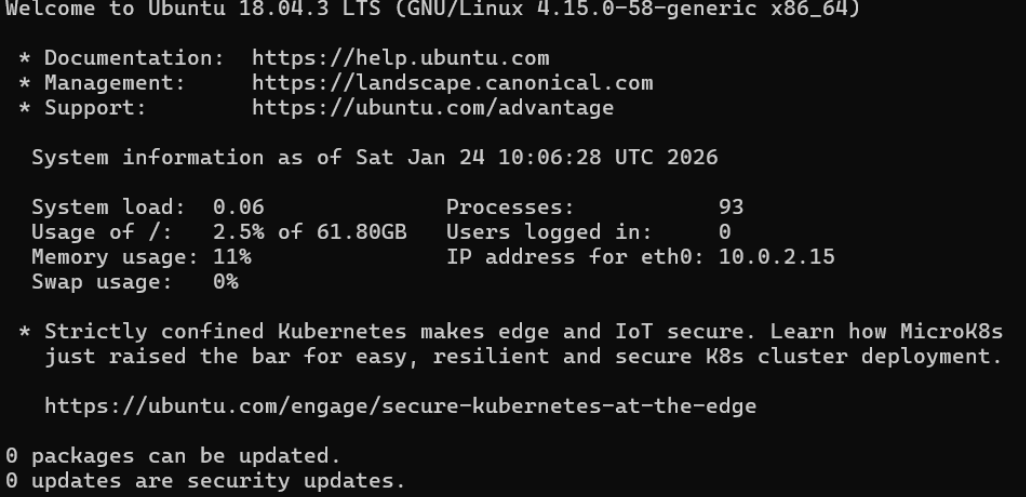
Step 4: Install Nginx inside the VM
sudo apt update
sudo apt install -y nginx
sudo systemctl start nginx
Verify Nginx Installation
curl localhost
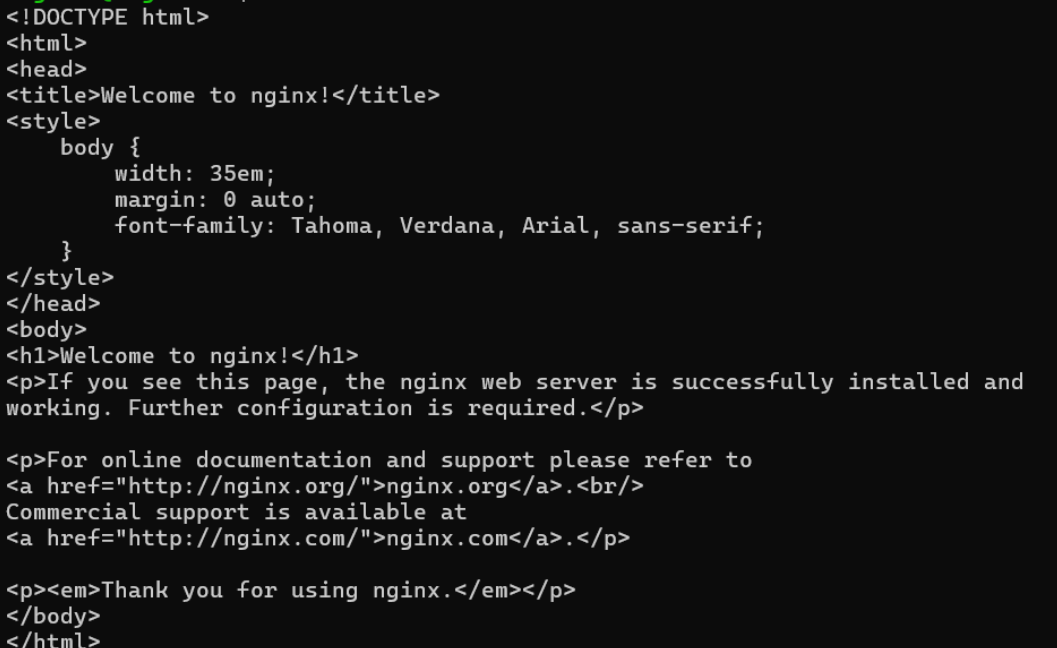
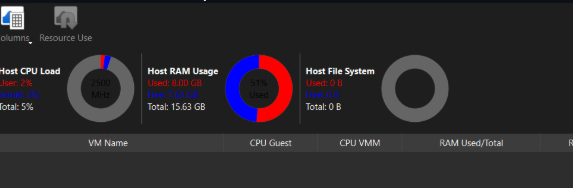
Utilization Matrix (Running State)
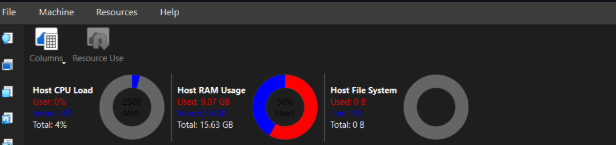
Stop the Virtual Machine
vagrant halt
Remove the Virtual Machine
vagrant destroy
Part B: Container using WSL
Step 1: Install WSL 2
wsl --install

Step 2: Install Ubuntu on WSL
wsl --install -d Ubuntu
Step 3: Install Docker Engine inside WSL
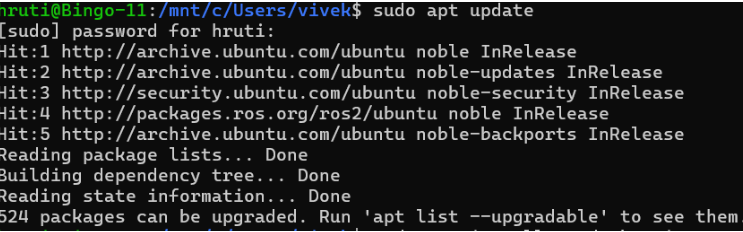
sudo apt update
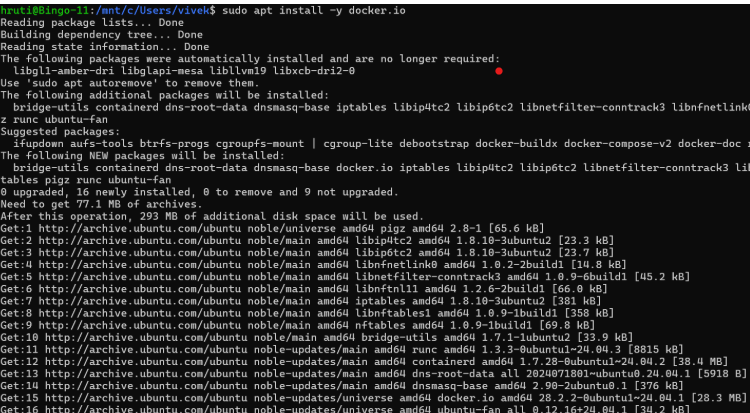
sudo apt install -y docker.io
sudo systemctl start docker
sudo usermod -aG docker $USER

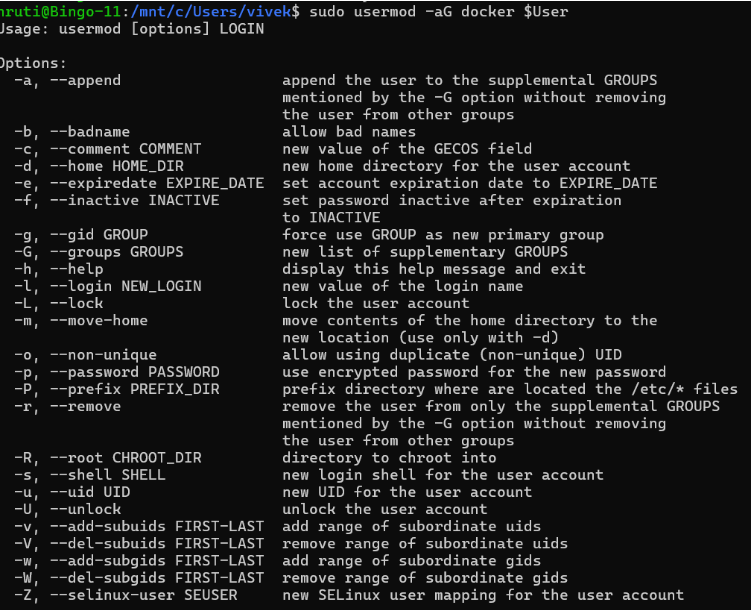
Logout and login again to apply group changes.
Step 4: Run Ubuntu Container with Nginx
docker pull nginx
docker run -d -p 8080:80 --name nginx-container nginx


Step 5: Verify Nginx in Container
curl localhost:8080

Result
Virtual machines were successfully created using Vagrant and containers were deployed using Docker inside WSL. Nginx was installed and verified in both environments.