Shruti_Containerization_lab
EXPERIMENT – 2
Docker Installation, Configuration and Running Images
Software Requirements
- Operating System: Ubuntu / Linux
- Docker Engine
Step-1: Pull Docker Image
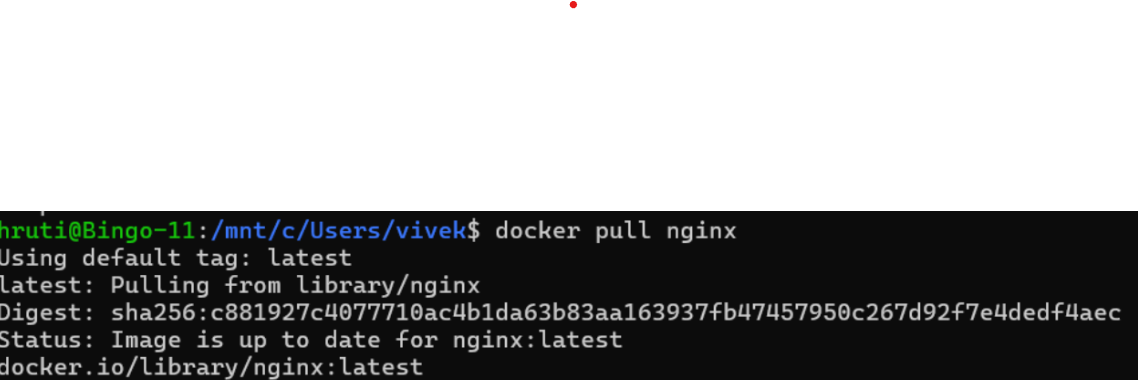
Pull a Docker image from Docker Hub.
docker pull nginx
Verify the image:
docker images
Screenshot:
Step-2: Run Container with Port Mapping
Run a container from the pulled image with port mapping.
docker run -d -p 8080:80 --name webserver nginx
Screenshot:

Step-3: Verify Running Containers
Check running containers and verify application access.
docker ps
Access in browser:
http://localhost:8080
Screenshot:

Step-4: Stop Container
Stop the running container.
docker stop webserver
Screenshot:

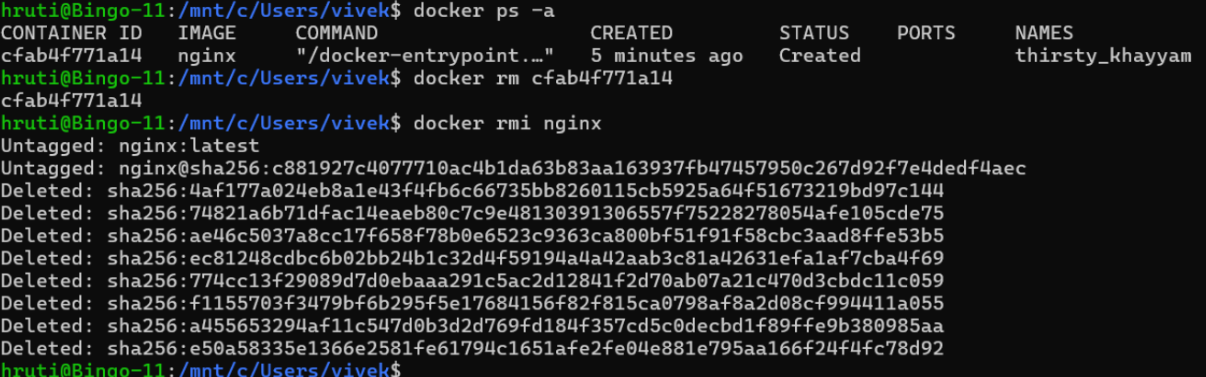
Step-5: Remove Container
Remove the stopped container.
docker rm webserver
📸 Screenshot:

Step-6: Remove Docker Image
Remove the Docker image from the system.
docker rmi nginx
📸 Screenshot:
Result
Docker was successfully installed and configured. Images were pulled, containers were run with port mapping, verified, stopped, removed, and Docker images were deleted successfully.
Conclusion
This experiment demonstrates Docker image management, container lifecycle management, and port mapping using Docker commands.